Eaglercraft Seeds: Best 1.8.8 Seeds, Village Spawns, and How to Use Them
A practical seed guide for choosing a useful 1.8.8 start, entering a world seed, checking village claims, and avoiding version-mismatch surprises.

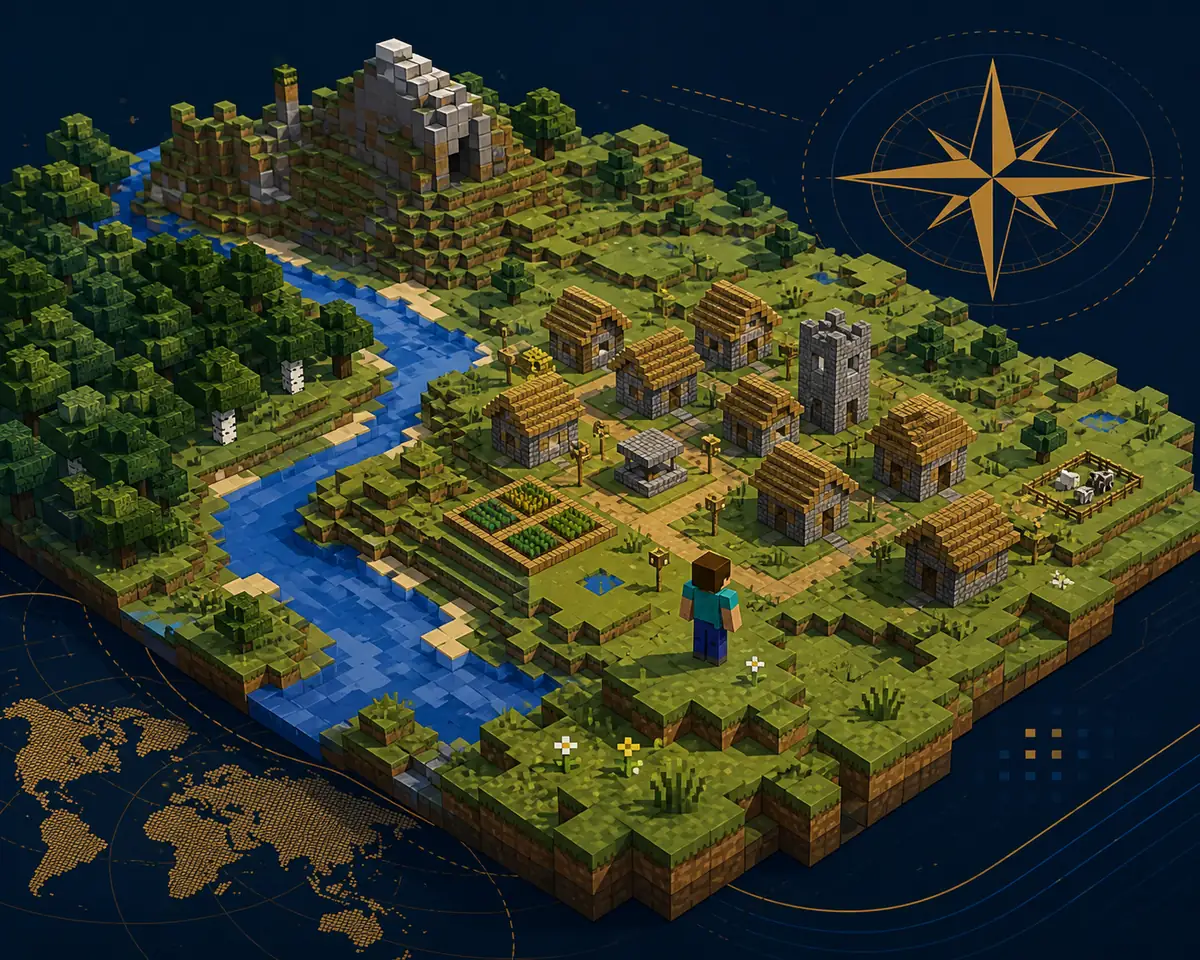
Table of Contents
What an Eaglercraft Seed Does
A world seed is the value used by the terrain generator to create a particular starting layout. It can influence the biomes, terrain shape, villages, rivers, caves, and other structures that appear around a new world. The same number is useful only when the client and generation version are compatible.
For Eaglercraft, treat a seed as a reproducible test input rather than a promise. Eaglercraft 1.8.8, Eaglercraft 1.12.2, modified builds, and unrelated modern-version labels may not generate the same map. Save the client version beside the seed whenever you share it.
Best practice: test a seed in a disposable world first, then create your long-term survival world after the village, biome, and spawn area match the description.
How to Enter a Seed in Eaglercraft
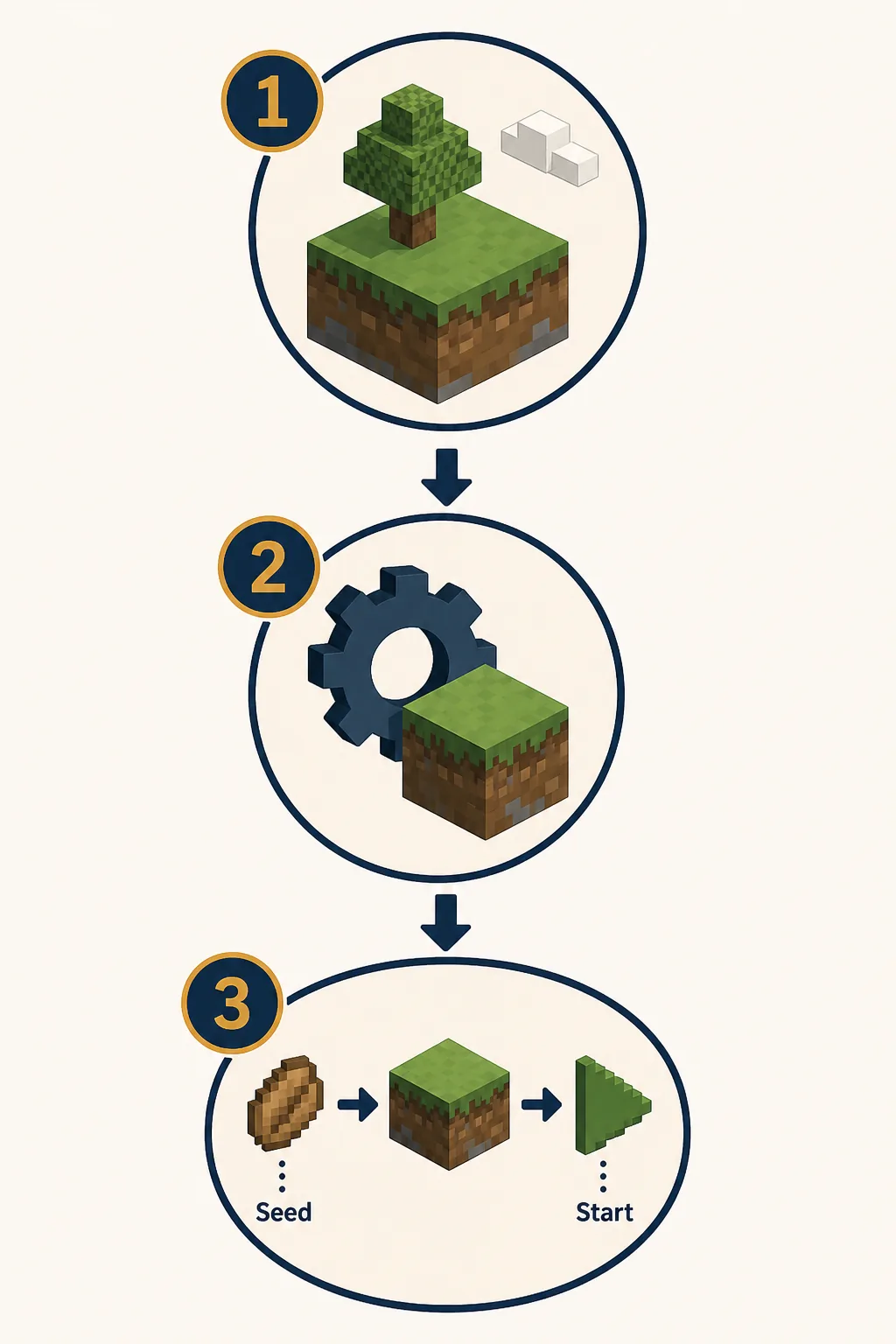
Open a compatible Eaglercraft 1.8.8 build and choose Singleplayer, then Create New World. Depending on the build, the field may appear under More World Options, World Options, or an Advanced section. Enter the seed exactly, including a leading minus sign, and create a test world.
The screen names can differ between builds, so do not copy a random mirror's instructions as if they were universal. If there is no seed field, use a build that exposes world options or follow that build's own documentation.
Copy exactly
Keep every digit, minus sign, and space. A one-character change creates a different world.
Use the same version
Record 1.8.8 or 1.12.2 beside the seed. Do not compare screenshots from different client families.
Test before building
Walk a short distance, check the biome and village, then decide whether the seed is worth keeping.
Back up important worlds
Export or back up a world before clearing browser storage or switching to another device.
1.8.8 Seed Examples Worth Testing
The examples below come from Java 1.8 or community seed references, not from an official Eaglercraft seed catalog. Use them as test candidates in a disposable Eaglercraft 1.8.8 world. Generation details can differ if the build, source, or version is different.
A good seed is not automatically the seed with the rarest screenshot. Choose one that matches the way you want to play: a village for an early start, a dramatic landscape for building, or a safer biome mix for survival.
If a seed list gives coordinates, screenshots, or loot claims, verify those details in your own build. Do not label a community report as official.
| Seed | Reported use | How to treat it |
|---|---|---|
| -4539571976646637598 | Multiple village areas and a blacksmith report in a Java 1.8.8 reference | Test the reported coordinates; community example, not an Eaglercraft guarantee |
| 5387364523423380365 | Mushroom-island style 1.8.8 landscape | Use as a peaceful-build test and verify the spawn biome |
| 8858351513851407858 | Mountain and waterfall landscape in a 1.8.8 seed list | Use as a terrain test; do not promise exact landmarks |
| Your own number | A private survival start with a reproducible value | Write the number and client version together so friends can repeat it |
Check a Seed Before Building a Long-Term World
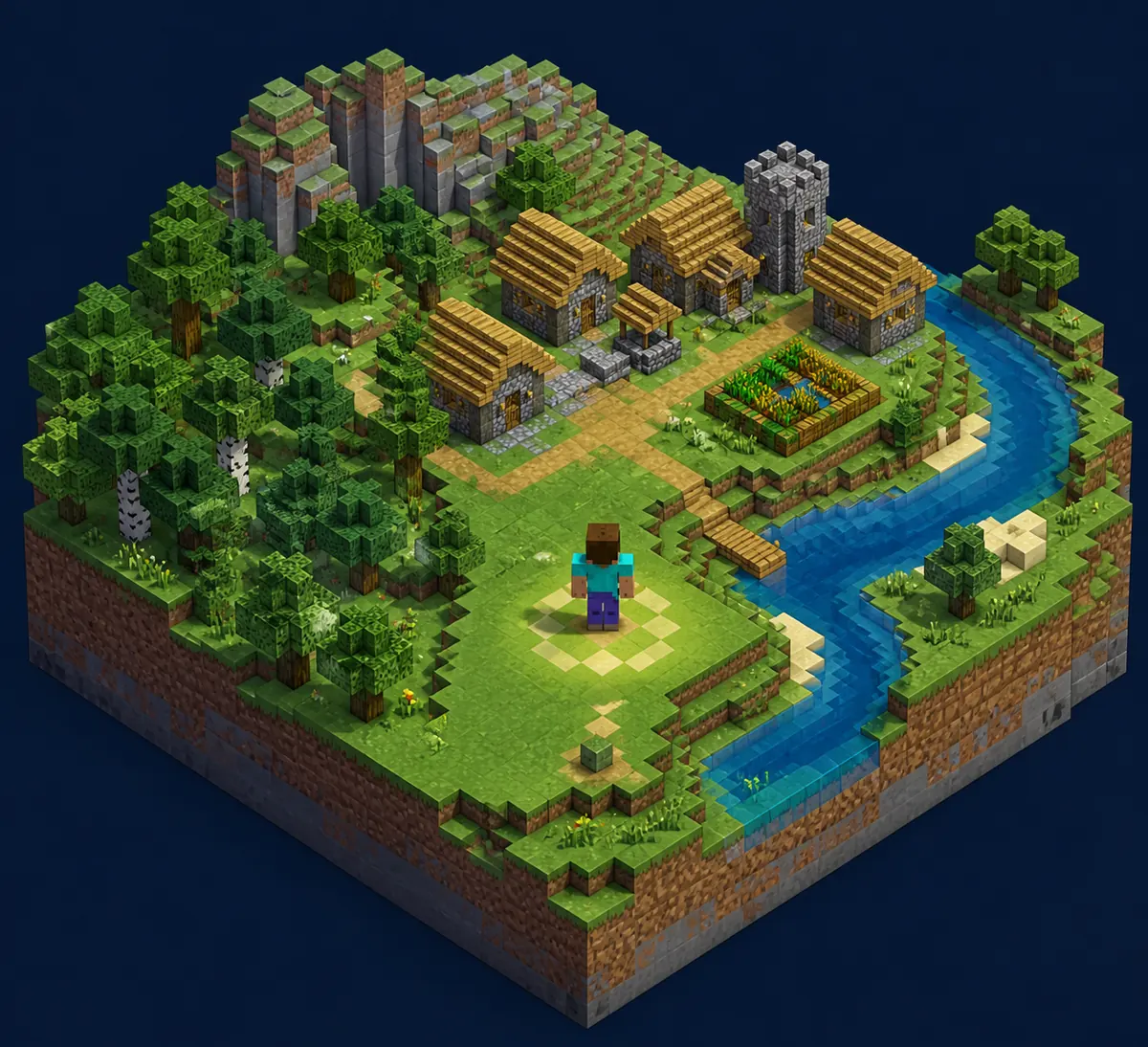
A seed is worth keeping only when the first few minutes match your goal. Check the spawn biome, nearby food, wood, water, shelter options, and the distance to the claimed structure. For a village start, confirm that the village is actually reachable from spawn instead of trusting a thumbnail or an old coordinate note.
Use a short checklist: load the world, face the same direction as the reference, walk to the claimed landmark, note the approximate coordinates if the build exposes them, and then leave without making the test world your main save. This prevents an outdated community post from costing hours of progress.
| Check | Why it matters | Pass condition |
|---|---|---|
| Version | World generation is version-sensitive | The test build matches the shared version |
| Spawn | A landmark may be far from the starting point | The claimed biome or village is reachable |
| Resources | A beautiful view can still be a poor survival start | Wood, food, and basic shelter are available |
| Coordinates | Old posts may describe a different reference point | The landmark and coordinates are checked in-game |
| Backup | Browser storage can be cleared or separated by profile | The main world has an export or backup plan |
Do 1.8.8 Seeds Work in Eaglercraft 1.12.2?
Do not assume that a seed found for Eaglercraft 1.8.8 will produce the same terrain in 1.12.2. Even when the seed number is accepted, changes in world generation, structures, or the client build can move villages and change biomes. Keep the version in the title of your note or screenshot.
If your goal is specifically 1.12.2, use the existing Eaglercraft 1.12.2 guide as the version context and test a seed there. A version-specific query belongs with that page rather than a separate URL for every seed variant.
| Situation | Recommended action |
|---|---|
| Eaglercraft 1.8.8 seed | Test in the same 1.8.8 family before building |
| Eaglercraft 1.12.2 seed | Keep it on the 1.12.2 page and verify in that client |
| Modern-version or mirror claim | Verify the source and generation support before using the seed |
| Friend wants to join | Share the client version, seed, and world plan; do not share private account data |
Seed Troubleshooting and Safe Sharing
If the world does not match, first check the number, the minus sign, the client version, and the exact build. Then create a fresh test world instead of repeatedly loading a possibly corrupted save. A seed cannot repair a broken browser load, missing WebGL support, or a server connection problem.
When sharing a seed, send the number, version, approximate landmark, and source label together. Avoid claiming that a Reddit, YouTube, or forum seed is official. If the seed is for a shared world, use the multiplayer and shared-world guides for the invite and connection steps rather than putting private links in a public post.
Never download an EXE, APK, extension, or unknown launcher just to use a world seed. The seed is a world-generation value, not a reason to bypass normal browser safety checks.
Start a local world
Learn how singleplayer saves work, how to test a new world, and how to export a backup before clearing browser data.
Read Singleplayer GuideNeed the 1.8.8 basics?
Review the main 1.8.8 browser guide before comparing seed behavior, controls, and survival starts.
Read 1.8.8 GuideUsing 1.12.2?
Keep version-specific seed questions with the existing 1.12.2 status and compatibility guide.
Read 1.12.2 GuidePlaying with friends?
Match versions and choose a shared world or server only after your seed test is complete.
Read Multiplayer GuideFrequently Asked Questions
Sources Checked
- Eaglercraft official play page - Official browser-play context checked before writing the guide.
- Minecraft Forum: 1.8.8 village seed reference - Community Java 1.8.8 example; the page is not an Eaglercraft official source.
- Minecraft Seeds: 1.8 seed index - Third-party version-specific seed references used as test candidates only.
- Reddit r/eaglercraft seed discussion - Community report checked for reproducibility warnings; not presented as official.
About the Author
Sophie Hartwell
Sophie writes practical browser-game guides focused on Eaglercraft versions, world setup, multiplayer choices, and safe troubleshooting. This guide was prepared after checking GSC opportunities, Similarweb phrase-match, related-keyword, and question tabs, local-language wording, official Eaglercraft pages, and version-specific seed references.
Last reviewed: August 11, 2026 - Focus: Eaglercraft seeds, 1.8.8 world generation, village starts, and version checks
Ready to test a new world?
Start with a disposable 1.8.8 world, record the seed and client version together, then keep the world only if the spawn matches your plan.