Eaglercraft 1.12.2 Guide: Browser Play, WASM, Servers, and Limits
A practical Eaglercraft 1.12.2 guide for browser play, WASM builds, 1.8.8 differences, server matching, safe files, and loading problems.

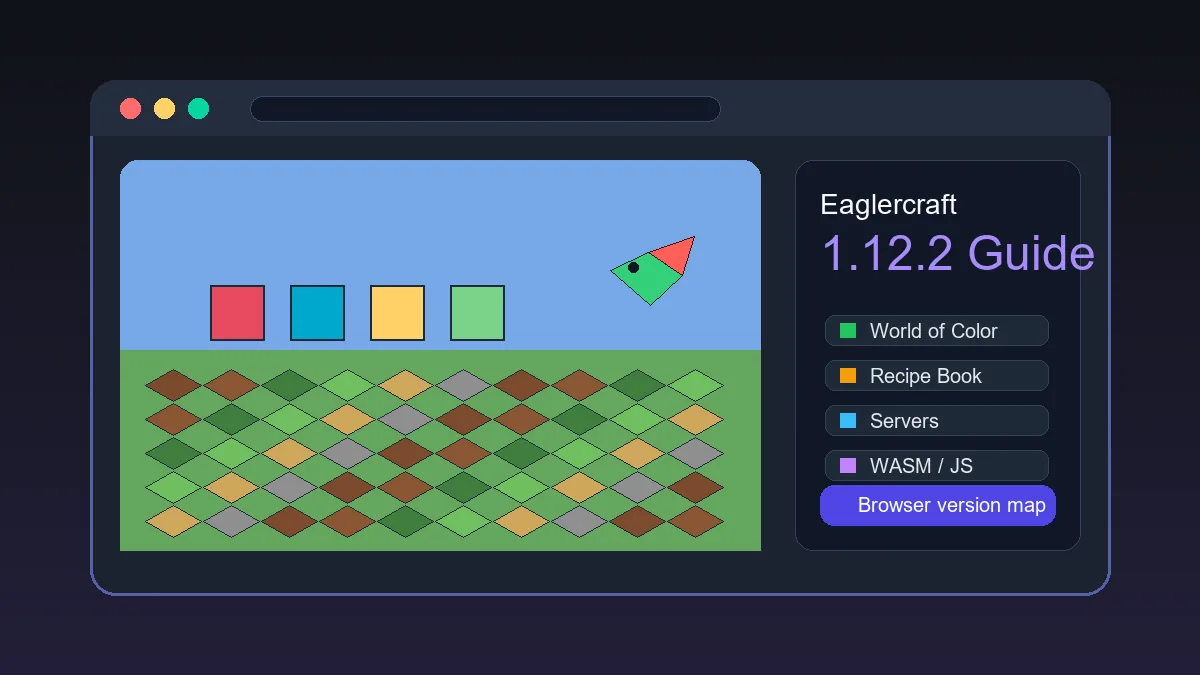
Table of Contents
What Does Eaglercraft 1.12.2 Mean?
Eaglercraft 1.12.2 refers to browser-oriented attempts to run or mirror a Minecraft Java Edition 1.12.2-style experience through web technologies. That version search is different from a basic “play Eaglercraft” query. Players usually want one of four things: a working web client, a 1.12.2 server, a downloadable HTML/WASM file, or a clear explanation of why 1.12.2 behaves differently from 1.8.8.
The important distinction is that 1.8.8 has become the most familiar browser-play baseline for many Eaglercraft users. It is widely discussed, easier to explain, and often the version players expect when they open a simple play page. Eaglercraft 1.12.2 has a different job: it is about newer mechanics, broader block/item expectations, and compatibility with servers or mirrors that specifically mention 1.12 or 1.12.2.
If your goal is to start quickly on this site, the main play page is still the simplest entry point. If your goal is to understand 1.12.2 specifically, use this guide to evaluate the version, choose a safer path, and avoid mixing Java server IPs, WSS browser server addresses, and unknown download mirrors.
Use 1.12.2 when the server, world, or feature set actually requires it. Use 1.8.8 when you want the simplest browser play path.
Eaglercraft 1.12.2 vs 1.8.8: The Practical Difference
The easiest way to compare the versions is by player expectations. Minecraft 1.8.8 is often associated with classic PvP, older server networks, lighter browser performance, and familiar controls. Minecraft 1.12.2 is remembered as a later Java version with the World of Color era, more modern blocks, the recipe book, and a wider expectation of newer survival behavior.
That does not automatically make 1.12.2 better for every browser player. Newer features can mean heavier loading, more compatibility questions, and more confusion about which server addresses are valid. A search result that says “1.12.2” may be a client mirror, a GitHub file, a video tutorial, a server list, or a page that only explains the version. Confirm what the page actually offers before treating it as a playable client.
For SEO and player intent, this is why a separate 1.12.2 page makes sense. The main 1.8.8 guide should keep ranking for classic browser play and beginner onboarding. This page answers the newer-version questions without changing the intent of the existing guide.
| Question | 1.8.8 path | 1.12.2 path |
|---|---|---|
| Best for quick browser play | Usually the safer default | Only if a specific build is provided |
| Common player intent | Play now, controls, singleplayer, basic multiplayer | Version features, server compatibility, WASM or HTML files |
| Server address confusion | Still needs WSS for browser servers | Needs extra checking because version compatibility also matters |
| Performance expectation | Usually lighter and more predictable | Can be heavier depending on build and device |
| Feature expectation | Classic 1.8-style gameplay | Later 1.12-era blocks, recipes, and mechanics when supported |
Eaglercraft 1.12.2 Browser Support, WASM, and Performance
Eaglercraft 1.12.2 builds commonly depend on WebGL, WebAssembly, local storage, and WebSocket connections. If the page is slow, shows a black screen, or freezes while assets load, test a current Chrome, Edge, Firefox, or Safari build before blaming the client.
The phrase Eaglercraft 1.12.2 WASM is useful when a page explains how its browser runtime works, but the label alone is not proof of a complete or safe build. Look for visible controls, version notes, a readable source, and a clear loading path. Avoid unrelated installers and forced extensions.
Compare performance after a full first load. Lower render distance, close heavy tabs, disable aggressive battery saving, and test singleplayer before multiplayer. A Chromebook may run 1.8.8 well and still reach its practical limit with a heavier 1.12.2 client.
A working 1.12.2 page should load in the browser without asking for unrelated software. If it requires an unknown installer, treat that as a warning sign.
Best first test
Open the build in a modern desktop browser, wait for the first full load, then test menus and singleplayer before multiplayer.
Best mobile expectation
Mobile loading may work, but 1.12.2 is a poor fit for small touch-only screens. Use a tablet and keyboard if you must play away from a laptop.
Best performance fix
Lower render distance and close background tabs before changing anything else. Browser memory pressure causes many false failures.
Best safety check
Prefer pages that explain the version and file type clearly. Avoid mirrors that force extensions, executables, or unrelated downloads.
Eaglercraft 1.12.2 Servers and Multiplayer
Multiplayer is where many 1.12.2 searches become messy. A normal Minecraft Java server IP is not automatically an Eaglercraft browser server. Browser clients usually need compatible WebSocket infrastructure, often shown as a WSS address. On top of that, a 1.12.2 client needs a server that actually supports the same version or protocol bridge.
If you are trying to join friends, confirm three things before troubleshooting: the client version, the address format, and whether the server is currently online. If the server list says 1.8.8 only, do not expect a 1.12.2 client to work just because the name looks similar. If the address starts with a normal IP and port, check whether the page also gives a WSS address for browser players.
For PvP, 1.8.8 remains the more familiar choice because many browser communities are built around older combat and lighter clients. For survival or newer block expectations, 1.12.2 may be the reason players search at all. Match the version to the server community instead of assuming one build should join every world.
| Check | Why it matters | What to do |
|---|---|---|
| Version | 1.8.8 and 1.12.2 clients may not share the same server path | Read the server version label before joining |
| Address type | Java IPs and browser WSS addresses are not interchangeable | Use the WSS address when a browser client requires it |
| Account commands | Some servers need /register or /login | Keep chat open and save your exact username |
| Latency | Browser clients can feel worse on distant servers | Test one nearby server before changing client builds |
Downloads, Offline HTML Files, and Mirror Safety
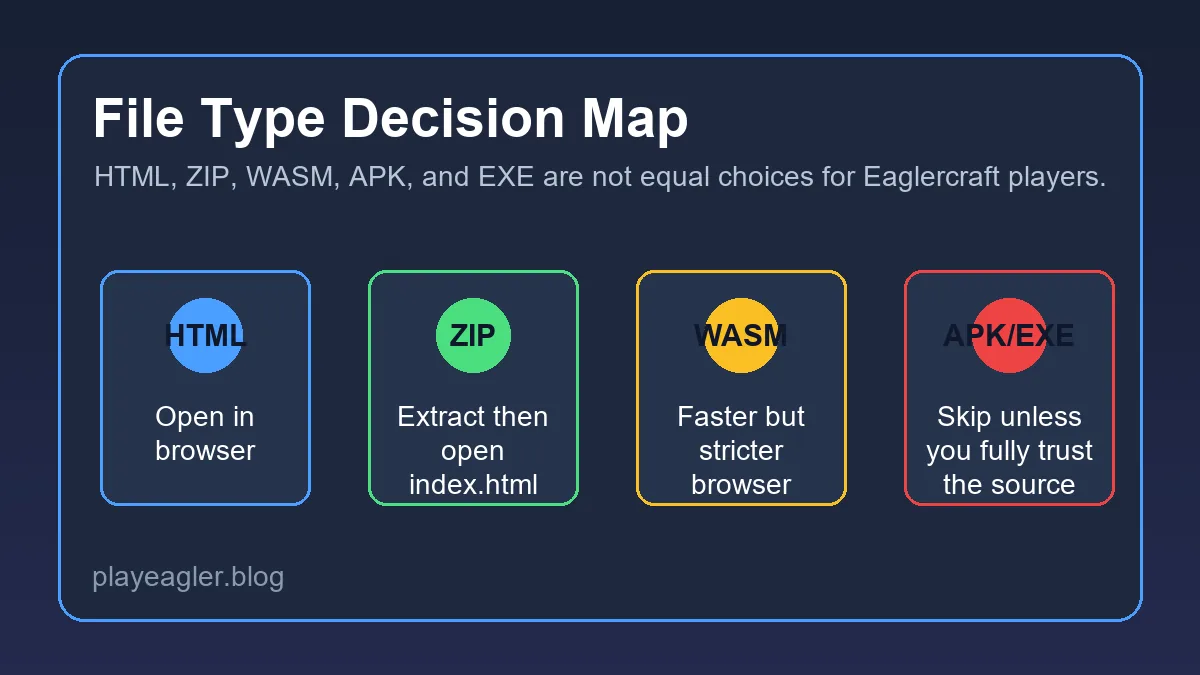
Many searches include phrases like “Eaglercraft 1.12.2 HTML,” “download,” or “WASM.” That does not mean every result is equally safe. A browser HTML file can be legitimate, outdated, modified, or wrapped in ads. A ZIP file can contain a client, but it can also contain unrelated code. Do not run executable files just because the page promises an Eaglercraft version.
A safer page is transparent about what it provides: a hosted client, a static HTML file, source code, a version note, or a server list. A risky page uses vague buttons, asks for a browser extension, redirects through multiple unrelated domains, or claims that a desktop installer is required for a browser game. When in doubt, use a hosted browser page you trust or stick with the existing 1.8.8 play path.
This guide intentionally avoids listing random mirrors. Search demand for 1.12.2 is real, but the best long-term answer is to teach players how to evaluate the version rather than send them to a moving list of unknown files.
Do not install an unknown executable to play a browser build. Eaglercraft-style browser play should not need a random desktop installer.
Troubleshooting Eaglercraft 1.12.2
If the page opens but the game does not load, start with the simplest checks. Refresh once, disable aggressive content blockers for the page, try another modern browser, and wait through the first asset load. If the client reaches the menu but worlds crash, reduce render distance and test a fresh singleplayer world before blaming the server.
If multiplayer fails, separate client problems from server problems. A working singleplayer menu means the browser can run the client. A failed server join may mean the address is wrong, the server is offline, the WSS endpoint is missing, or the version does not match. Do not keep switching mirrors until you have verified the address and version.
If performance is poor, compare it against the 1.8.8 page on the same device. When 1.8.8 runs well and 1.12.2 does not, the device is probably reaching the practical limit of that build. Use a laptop or desktop browser for 1.12.2, and reserve mobile for quick checks rather than long sessions.
| Problem | Likely cause | First fix |
|---|---|---|
| Black screen | Browser or asset loading issue | Update browser, refresh once, and wait longer on first load |
| Menu loads but world crashes | Memory or graphics pressure | Lower render distance and test a new world |
| Server will not join | Wrong address, offline server, or version mismatch | Confirm WSS address and 1.12.2 support |
| Controls feel delayed | Heavy build or device throttling | Close tabs, disable battery saver, and test desktop hardware |
Need the simplest play path?
Start with the main browser play page if you do not specifically need 1.12.2 features.
Play NowNew to 1.8.8?
Read the beginner guide for controls, loading, singleplayer, and basic browser gameplay.
Read 1.8.8 GuideJoining servers?
Use the server guide to understand WSS addresses, account commands, and multiplayer setup.
Read Server GuideFrequently Asked Questions
References and Further Reading
- Minecraft Wiki - Java Edition 1.12 - Version context for the World of Color update
- Minecraft Wiki - Java Edition 1.12.2 - Patch-level context for 1.12.2
- Our Minecraft 1.8.8 Beginner Guide - Baseline browser play guide
About the Author
Sophie Hartwell
Sophie writes practical browser-gaming guides focused on version choice, compatibility, multiplayer setup, and safe web play. For this guide she compared search intent around Eaglercraft 1.12.2 with the site's existing 1.8.8 and server resources.
Last reviewed: May 2026 - Focus: Eaglercraft version compatibility and browser play
Choose the Right Eaglercraft Version
Use 1.12.2 when you need the newer version path, but keep the 1.8.8 play page and server guide nearby for the most stable browser experience.