Eaglercraft 1.16.5: Is It Real? Community Beta Status & How to Verify It
A source-checked guide to the community 1.16.5 browser port, the current u2-beta build, browser compatibility, download choices, and the difference between a community release and the main Eaglercraft line.

Table of Contents
Is Eaglercraft 1.16.5 Real in 2026?
Yes, a working Eaglercraft 1.16.5 community browser port can be verified in 2026. The important qualification is community. The main Eaglercraft site does not present 1.16.5 as its ordinary stable release path, while a separate public GitHub repository and GitHub Pages launcher maintained by TECHYAko describe a port created by AcornDev. That distinction should guide every download, compatibility, and safety decision on this page.
The public launcher currently shows two choices: u2-beta, marked latest, and u1-beta, marked legacy. The repository README also describes u2-beta as the current WASM-GC build. A browser page can exist and run without being the official continuation of the original project, so do not treat a community launcher, mirror, or social post as proof of official endorsement.
For most players, the practical verdict is simple. Test Eaglercraft 1.16.5 only if you specifically want newer 1.16.5 mechanics and understand that a beta may use more memory, require a newer browser, break on managed devices, and change without the stability of the established 1.8.8 ecosystem. If your priority is predictable servers or broad Chromebook compatibility, the older versions remain easier choices.
Status checked July 30, 2026: u2-beta is the latest build named by the community launcher; it is not described here as an official mainline Eaglercraft release.
u2-beta vs u1-beta: What the Current Builds Mean
The launcher separates the port into a newer u2-beta path and a legacy u1-beta path. u2-beta is the first option to try because it is the maintained current build and uses WASM-GC, a modern WebAssembly feature designed to handle managed-language workloads more efficiently in supported browsers. The source page labels its browser or offline experience at roughly 53 MB, although transferred size and the size reported by your browser can differ.
u1-beta is kept for legacy compatibility and troubleshooting. The launcher describes a much larger initial asset load and a larger offline build. That does not automatically make u1 more compatible with every old computer; it means it follows the older build path. If u2 fails because your browser lacks WASM-GC support, u1 may be worth testing, but a low-memory school Chromebook can still struggle with either build.
Do not download random files labelled 1.16.5 from unconnected mirror sites. A version number alone cannot prove that a file came from the maintained community repository. Start from the repository or launcher linked in the sources section, check the page address, and avoid installers or browser extensions. The verified project is delivered as browser content, not as an EXE setup wizard.
| Build | Source label | Best first use | Main caution |
|---|---|---|---|
| u2-beta | Latest, WASM-GC | Modern Chrome/Edge testing | Requires current browser features and substantial memory |
| u1-beta | Legacy | Fallback when u2 cannot start | Larger asset path and still experimental |
| 1.8.8 / 1.12.2 guides | Established site coverage | Servers, lower-end devices, predictable help | Fewer 1.16-era mechanics |
Browser, Chromebook, and Device Compatibility
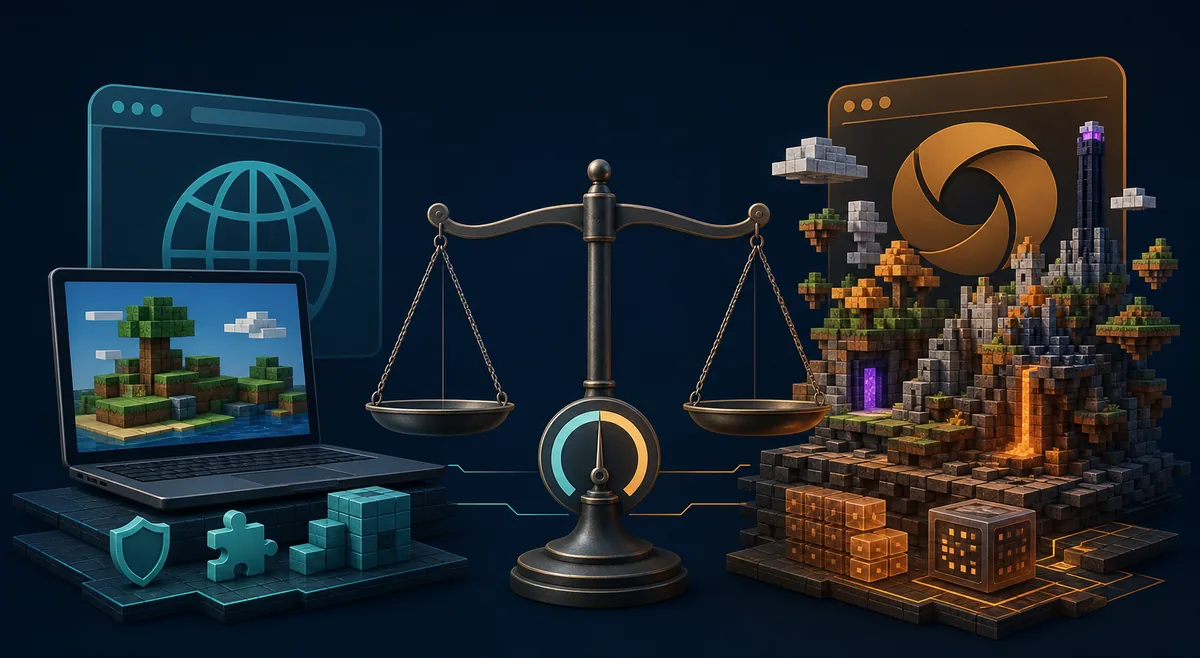
Use a current desktop version of Chrome or Edge first. WASM-GC support is the key requirement for u2-beta, and older browser builds may fail before the game menu appears. Firefox support can change with browser releases and project updates, so a failure in one browser does not prove the build is offline. Update the browser, restart it, close memory-heavy tabs, and test again before switching builds.
Memory matters more than many players expect. A 1.16.5 browser port is heavier than the familiar Eaglercraft 1.8.8 experience. A device with limited RAM may freeze during the first load, show a blank tab, reload the page, or be terminated by the operating system. Start with no other games or video tabs open. If the menu loads, reduce render distance and graphics settings before opening a world.
Managed Chromebooks are a special case. School or workplace policy may block GitHub Pages, WebAssembly, large browser storage, downloads, or WebSocket connections. Those restrictions are controlled by the administrator. Do not install unknown extensions, proxies, or certificates to bypass them. If the verified launcher is blocked, use a permitted network and device or stay with the version approved for that environment.
Mobile browsers are not the primary target for this build. Even when a page opens, touch controls, memory pressure, thermal throttling, and browser tab eviction can make the experience unreliable. For phones and tablets, read our mobile guide before assuming a desktop-oriented 1.16.5 beta will behave like a native app.
A black screen is usually a browser-feature, memory, cache, or policy problem—not evidence that you should install a third-party launcher.
How to Verify Eaglercraft 1.16 Before You Open or Download It
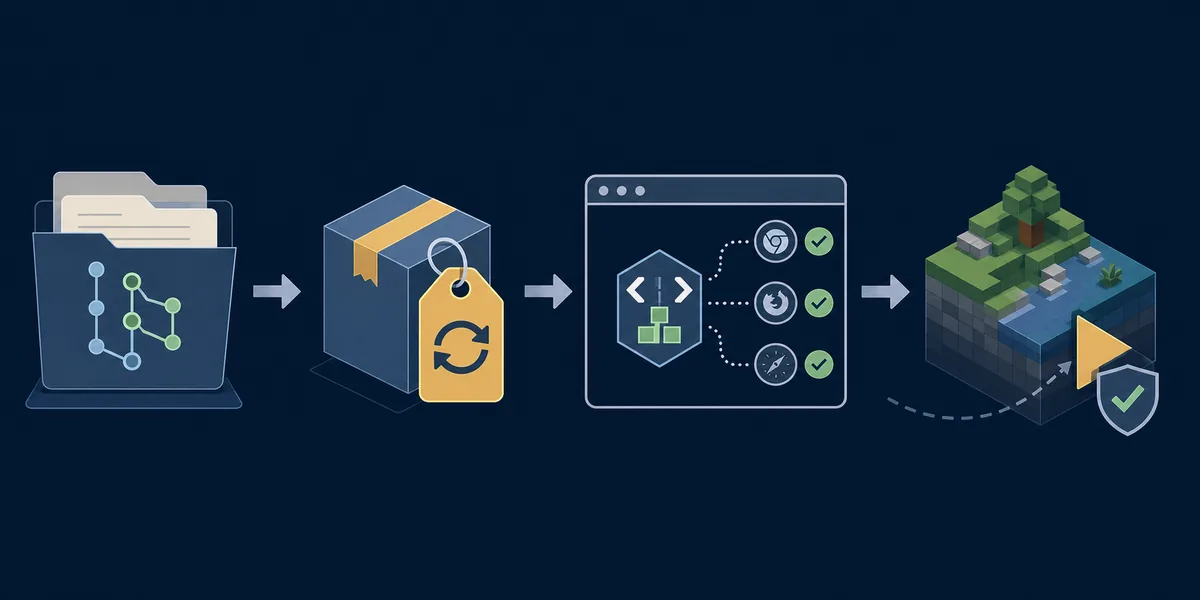
Use a short verification routine instead of trusting the first result that contains the right version number. First, confirm that the page is linked from the public TECHYAko repository or its GitHub Pages launcher. Second, read the current README for the named build and recent changes. Third, confirm the final address remains on the expected GitHub or GitHub Pages domain. Fourth, prefer the browser page or single HTML build over an unrelated installer.
The u2 game page was checked during this update and returned HTTP 200 with a text/html content type. That proves the file was reachable at the time of checking; it does not prove future uptime, code safety, or official endorsement. Community code can change. Keep your browser updated, avoid entering Microsoft or school credentials, and use a separate local username rather than a reused password.
If a mirror claims to be newer than u2-beta, look for a matching repository commit, release note, or maintainer announcement. Screenshots and filenames can be copied. A traceable source chain is stronger evidence: repository, README or release note, launcher, and final file URL should agree about the build.
Which Eaglercraft Version Should You Use?
Choose by goal rather than by the largest version number. Eaglercraft 1.8.8 has the broadest familiar browser-game ecosystem, many multiplayer guides, and lower hardware expectations. The 1.12.2 line adds newer content while remaining closer to the established Eaglercraft experience. The separate 1.21 topic attracts large search demand, but version labels and community projects must still be verified individually.
Eaglercraft 1.16.5 is the right experiment for players who specifically want Nether Update-era mechanics and accept beta limitations. It is not automatically the best build for public servers, school devices, offline play, or weak laptops. Server compatibility also depends on the network and bridge used by a server; a 1.16.5 client does not guarantee access to every Eaglercraft or Java server.
Keep more than one path bookmarked. Use the 1.16.5 community beta for testing, an established Eaglercraft version for ordinary play, and the official Minecraft launcher when you need the supported Mojang/Microsoft experience. That separation prevents a community experiment from becoming your only way to access a world or server.
| Goal | Better starting point | Why |
|---|---|---|
| Public Eaglercraft multiplayer | 1.8.8 server guide | More established WSS server ecosystem and troubleshooting |
| Newer browser mechanics | 1.16.5 community beta | Experimental access to 1.16.5-era content |
| Middle-ground version | 1.12.2 guide | Newer than 1.8.8 with separate compatibility guidance |
| Official supported Minecraft | Minecraft launcher | Official account, updates, support, and server compatibility |
Common Problems, Limits, and Safer Troubleshooting
If u2-beta never reaches the menu, check the browser version and WASM-GC support first. Then disable only nonessential extensions, clear the site data for the launcher, and retry with other tabs closed. If the browser reports an out-of-memory condition or repeatedly kills the tab, the device may not have enough available memory for this build.
If singleplayer opens but multiplayer fails, separate client performance from server compatibility. Confirm that the server explicitly supports the 1.16.5 community client or a compatible bridge. A normal Java server address may not work directly in a browser client. Do not paste passwords used elsewhere into community server registration commands.
Offline HTML does not mean permanently future-proof. Browser security models, WebAssembly behavior, cached assets, and project code can change. Save a source link and the date you downloaded a file. If a later copy behaves differently, return to the repository instead of searching for a random replacement mirror.
Finally, remember the legal and project-status boundary. Minecraft is owned by Mojang/Microsoft, and community ports are not substitutes for official ownership or support. This guide documents a public community project and its current status; it does not certify the project, promise availability, or imply affiliation.
Use source links, unique local credentials, and a current browser. Never install an unknown EXE or extension just to make a browser beta start.
Eaglercraft 1.12.2
Compare a more established newer-version path before choosing the experimental 1.16.5 beta.
Read the 1.12.2 guideEaglercraft 1.21 Status
Learn how to separate a searched version label from a verified browser build and source.
Check the 1.21 statusDownload Safety
Review file types, mirrors, browser downloads, and warning signs before saving community builds.
Open the download guideFrequently Asked Questions
Verified Sources and Community Context
- TECHYAko Eaglercraft 1.16.5 repository - Community source, README, build labels, and update history
- Eaglercraft 1.16.5 community launcher - u2-beta and u1-beta choices checked July 30, 2026
- Verified u2-beta browser file - HTTP 200 text/html at verification time; community resource
- Main Eaglercraft site - Used to distinguish the main site from the community 1.16.5 port
- Community u2-beta release discussion - Community chronology only; not an official source
About the Author
Sophie Hartwell
Sophie writes practical browser-game guides that separate verified source facts from community claims. For this page, she checked the public repository, launcher labels, final host, response type, existing site topics, and version boundaries before recommending a test path.
Source links and version status checked July 30, 2026
Test the Community Beta Carefully
Start from the verified community launcher, keep a stable Eaglercraft version available, and never enter reused account credentials into a community build or server.