Eaglercraft 1.5.2 Guide: sp2.01, Browser Play, Worlds, and Servers
A practical version guide for choosing the official Eaglercraft 1.5.2 path, understanding sp2.01, checking maps and servers, and fixing the problems that appear on older browsers or devices.


Table of Contents
What Does Eaglercraft 1.5.2 Mean?
Eaglercraft 1.5.2 is the original, lightweight branch that many people find when they search for a browser version of Minecraft 1.5.2. The number is a version boundary, not a promise that every page with the same title contains the same client. A browser build, an offline HTML package, a server bridge, a map download, and a modified mirror can all use similar wording while offering different files and features.
The most useful way to read the query is as a version-selection question. Some players need a smaller client for an older Chromebook or laptop. Others are looking for a specific server, an older map, or a feature associated with Minecraft 1.5.2. If you only want the broadest Eaglercraft experience, the existing 1.8.8 guide is usually the better starting point. If you specifically need the 1.5.2 line, keep the version, source, and server checks together.
The official Eaglercraft pages are also careful about separating established versions from community experiments. That matters because a polished-looking result can still inject a different client, request an unrelated installer, or redirect you through an advertisement. Treat 1.5.2 as a real version topic, but do not treat every 1.5.2 download label as proof of authenticity.
A 1.5.2 label identifies the target version; it does not verify the mirror, the file, the server protocol, or the features exposed by that build.
Best fit
Older devices, a confirmed 1.5.2 server, or a world/client that specifically requires this branch.
Do not assume
That a 1.8.8 feature, mod, camera, name tag recipe, or map import will behave identically in every 1.5.2 build.
Official Sources and Browser Play
The official downloads page is the right first stop for Eaglercraft 1.5.2 because it distinguishes the original client family from unrelated mirrors. The official news record identifies the sp2.01 release entry dated December 15, 2024. This page was checked on August 22, 2026; no newer first-party 1.5.2 release was found that would replace that version reference.
There is an important download-site detail here: the stable path for this article is the official downloads page, not a guessed CDN filename. A previously guessed offline ZIP URL returned 404 during verification, so this guide does not present it as a working direct file. When a release page offers a current file, verify the final response, extension, MIME type, and source context before saving it. If the official site only provides a page-level link, keep the page-level link.
For browser play, use a current Chrome, Edge, Firefox, or Safari build and allow the first load to finish. Eaglercraft-style clients can depend on WebGL, browser storage, and WebSocket connections. A page that asks for an unknown extension, a random executable, or a separate password is not made safe by the words ‘1.5.2’ in its title. Close the tab and return to a source you can identify.
The verified download CTA for this guide is the official downloads page fallback. There is no unverified direct-file button here.
Eaglercraft 1.5.2 vs 1.8.8 and 1.12.2
Version comparison is where the 1.5.2 search most often becomes confusing. Eaglercraft 1.8.8 has a larger current content and server ecosystem on this site, while 1.12.2 is a separate newer-version compatibility topic. The 1.5.2 branch is useful when a device, server, or older client expects it; it is not automatically the best version for a new player.
Do not choose by the number alone. Choose by the client that actually loads, the world or server you need to join, and the features you expect to use. If your goal is singleplayer basics, a larger server network, or the most familiar modern guide, follow the 1.8.8 path. If a community page says 1.12.2, check that page separately instead of assuming a 1.5.2 client can connect.
| Question | 1.5.2 | 1.8.8 / 1.12.2 |
|---|---|---|
| Main reason to choose it | Lightweight or specifically required by an older client/server | Broader 1.8.8 play ecosystem or a separate 1.12.2 experiment/compatibility need |
| Browser expectation | Older branch; test the exact build and browser | 1.8.8 is the familiar baseline; 1.12.2 may be heavier or experimental |
| World/map expectation | Use a world made for the same branch when possible | Do not assume a 1.8.8 or 1.12.2 world will load cleanly |
| Server expectation | Requires a matching 1.5.2-compatible endpoint | A server list or WSS address may be version-specific |
| Best next guide | This 1.5.2 page | 1.8.8 guide or 1.12.2 guide depending on the query |
Worlds, Maps, and Version Boundaries
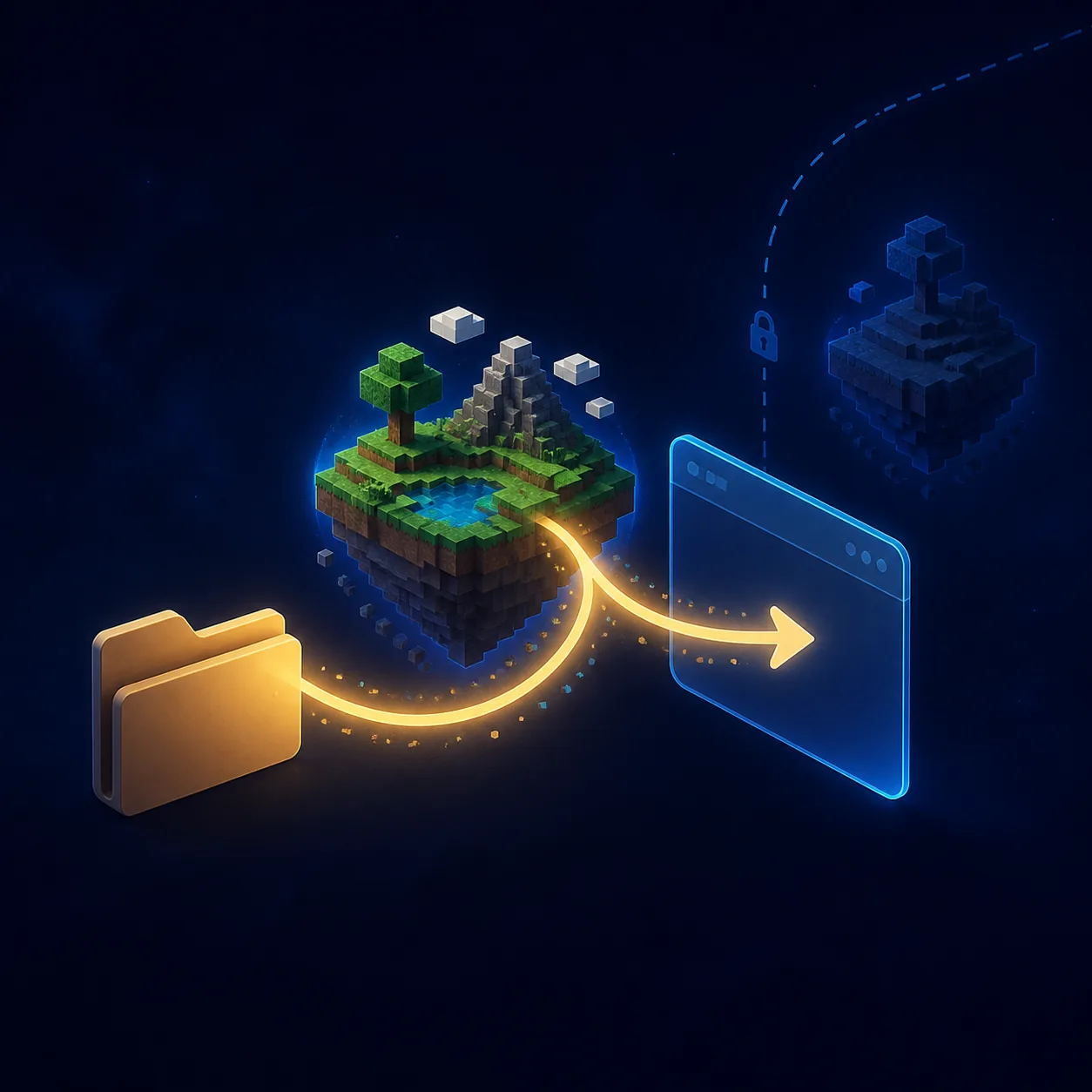
The phrase ‘1.5.2 Eaglercraft map download’ has a real but narrower intent than the main version query. A map is not the same thing as a client. A downloaded world may use a file structure, block set, or save format that the browser build cannot read. Before importing anything, confirm the map’s original Minecraft version, whether the file is a world archive or an executable, and whether the Eaglercraft client exposes a supported import or save workflow.
If you already have a saved world, keep a backup copy outside the browser profile before testing it. Browser storage can be cleared by site-data settings, private browsing, a profile reset, or a device-management policy. Test a copy first, use the same 1.5.2 build that the map expects, and stop if the import page asks you to install unrelated software. The official source context matters more than a dramatic map thumbnail.
A successful load does not prove cross-version compatibility. If a world opens with missing blocks, broken textures, a blank spawn area, or an immediate crash, return to the original version and test a small copy. For general save-management steps, use the existing singleplayer guide; this page keeps the focus on 1.5.2 boundaries rather than promising that every Java world can be converted.
Map files, client files, and server files are different objects. Match the world to the client branch before you troubleshoot the browser.
Servers and Multiplayer Compatibility
A 1.5.2 browser client cannot be expected to join every Eaglercraft server. The server may require a different client branch, a particular protocol bridge, or a WebSocket Secure endpoint. If you see a server address in a list, read the version note and connection instructions instead of copying the first IP-like string into a browser field.
The safest troubleshooting order is simple: identify the client version, identify the server version, check whether the endpoint is intended for browser clients, and then test with a fresh session. A Java server address and a browser WSS address are not interchangeable. If you are trying to find an already-running 1.8.8 server, use the server-list guide. If you need to build a server, use the server-setup guide rather than treating a 1.5.2 client page as a hosting tutorial.
Login prompts also need context. Some servers have their own account or command flow, while a browser page asking for a general email password is a different risk. Do not reuse a personal password in a community client. If the server says the client is outdated, that is a compatibility signal, not a reason to download a random patched launcher.
For multiplayer, match the client branch and the browser endpoint first; only then investigate usernames, login commands, or server-side errors.
| Check | What to verify | If it fails |
|---|---|---|
| Client | The page or build actually says 1.5.2 | Return to the source and do not mix files |
| Endpoint | The address is intended for browser/WSS access | Do not paste a Java-only address into the browser client |
| Protocol | The server documents support for the client branch | Ask the server owner or use a matching version |
| Account | Only the server’s own login flow is requested | Never reuse an email or school password |
| Privacy | No forced extension, executable, or suspicious redirect | Leave the page and report the source if needed |
Why Eaglercraft 1.5.2 Crashes or Will Not Load
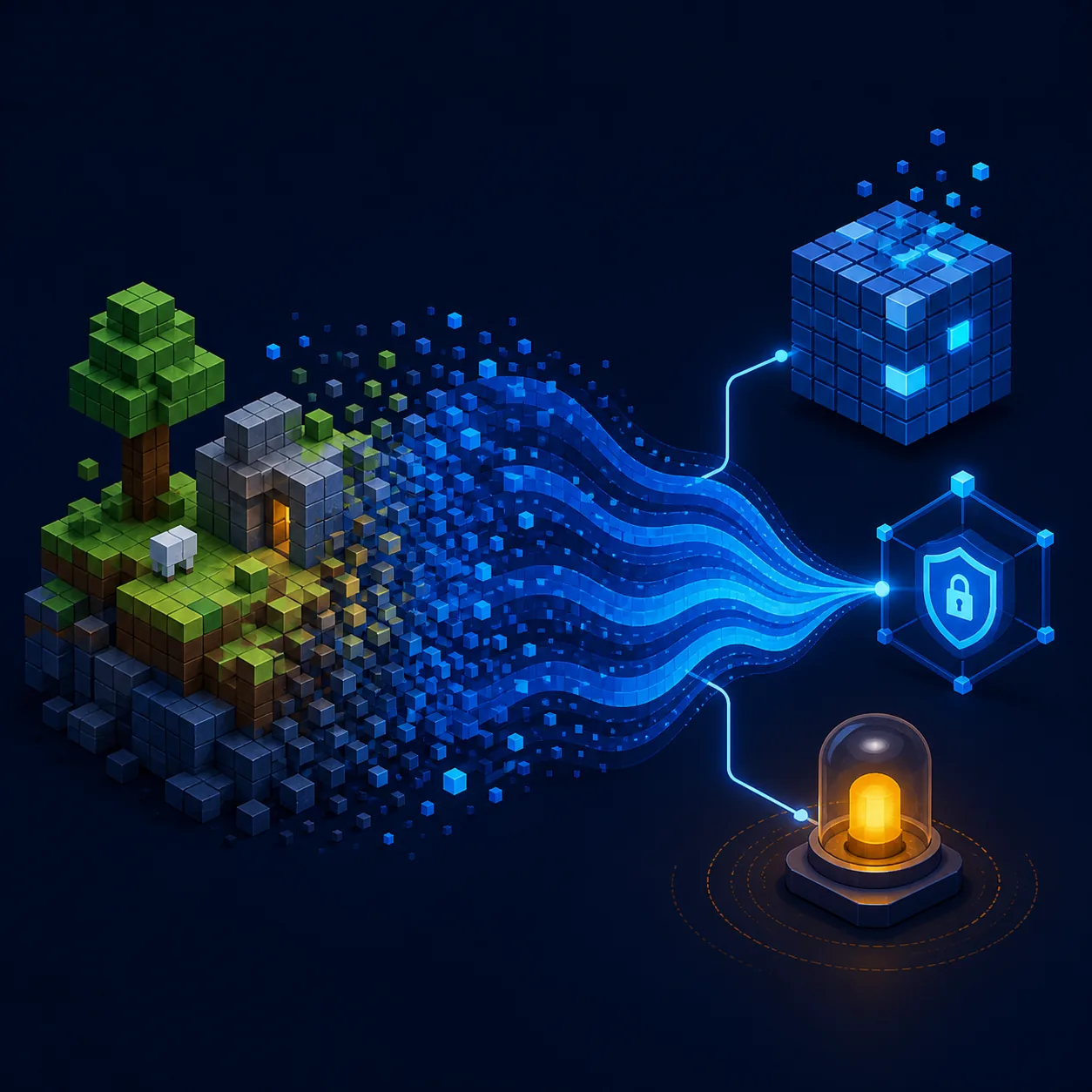
The most common failure is not a missing account; it is a mismatch between an old client, a browser capability, and a changed site-data state. Start with a normal browser window, update the browser, close heavy tabs, and test the official page again. If the error appears only after a browser update, record the exact message before clearing data so you do not lose a useful clue.
For a black screen or frozen loading bar, test WebGL in the browser, disable battery-saving modes that throttle graphics, and wait through the first full asset load. Do not repeatedly refresh a world while it is saving. A stale service worker or corrupted cache can also keep serving an older script; use the browser’s site-data controls for the exact site, then reopen the verified source.
For a map crash, remove the imported copy and open a clean 1.5.2 world first. For a server disconnect, test singleplayer or the client menu before blaming the network. For input problems, try a desktop keyboard, click the canvas once to give it focus, and check whether the page is being embedded inside a restricted frame. These tests separate a client problem from a map, endpoint, or device-policy problem.
The question ‘why does my Eaglercraft 1.5.2 keep crashing?’ often hides a source problem. If the page forces a download, changes domains several times, or installs an extension before the game opens, stop the test. A clean failure on an identifiable official path is easier to diagnose than a modified mirror that silently changes the files.
Change one variable at a time: browser, cache, world copy, endpoint, or device. That keeps a version problem from becoming five unrelated guesses.
Black screen
Test a current browser, WebGL, a clean session, and the official page before importing a map or joining a server.
Crash after map load
Restore a backup, test a small copy, and confirm the world was made for the same client branch.
Server disconnect
Match 1.5.2 to the documented browser/WSS endpoint; a Java-only address will not become compatible by refreshing.
A Safe Eaglercraft 1.5.2 Checklist
Before you play, write down what you actually need: a lightweight browser client, a specific map, a server connection, or a way to compare older versions. That single decision prevents most accidental downloads. Use the official downloads/news pages for version context, keep 1.5.2 separate from 1.8.8 and 1.12.2, and treat community mirrors as unverified until their source and behavior are clear.
Before you import a world, make a copy. Before you join a server, match the endpoint and protocol. Before you enter credentials, confirm that the prompt belongs to the server rather than a generic download page. Before you blame the game, test a clean browser session. These are small checks, but they are more useful than a long list of random launch flags.
If you decide that 1.5.2 is not the right branch, follow the version guide that matches your actual intent. The 1.8.8 page covers the broad browser baseline, the 1.12.2 page covers newer compatibility questions, and the download-safety guide explains how to evaluate files and mirrors. Keeping those boundaries clear helps this page answer 1.5.2 searches without pretending that one client solves every Eaglercraft problem.
The best version is the one that matches the verified client, world, server, and device—not simply the newest number in a search result.
Compare with Eaglercraft 1.8.8
See the broader browser-play baseline, controls, modes, and the larger server ecosystem.
Read the 1.8.8 guideCheck 1.12.2 compatibility
Use the separate version guide when a result mentions newer browser builds, WASM, or 1.12.2 servers.
Read the 1.12.2 guideFind safer download paths
Learn how to separate official pages, files, mirrors, and risky redirects before opening a client.
Open the download guideEaglercraft 1.5.2 FAQ
Sources and version notes
- Official Eaglercraft downloads - Version and download-page context; checked August 22, 2026.
- Official Eaglercraft news - Release record for 1.5.2 sp2.01 dated December 15, 2024.
- Official Eaglercraft play page - First-party browser-play context; use the page rather than an unverified direct file.
About the author
Sophie Hartwell
Sophie writes practical browser-game and web-compatibility guides for playeagler.blog, with an emphasis on clear version boundaries, source checks, and troubleshooting steps readers can reproduce.
Editorial review: version, source, and compatibility notes checked August 22, 2026
Ready to choose the right Eaglercraft version?
Start with the version that matches your device, world, and server. If 1.5.2 is not the right fit, move to the broader 1.8.8 guide instead of forcing an incompatible client.